




Introduction to Cost of Goods Sold and Its Importance
Cost of Goods Sold (COGS) is a fundamental financial metric for businesses that deal with physical products or merchandise. It represents the direct costs attributable to the production of the goods sold by a company. This figure includes the cost of materials, labor, and overhead expenses directly related to the production process. Understanding and accurately calculating COGS is vital for businesses to measure profitability, manage inventory, set pricing strategies, and prepare accurate financial statements.
Despite its importance, calculating COGS can be complex and time-consuming, especially for businesses with extensive inventories or multiple product lines. This complexity often leads to errors or inaccuracies that can distort financial reports and decision-making processes. Fortunately, cost of goods sold calculators have emerged as essential tools that simplify and automate the calculation process, enhancing accuracy and saving time.
What is a Cost of Goods Sold Calculator?
A cost of goods sold calculator is a digital tool designed to accurately and efficiently compute the total direct costs associated with producing goods sold by a business during a specific period. These calculators consider various components such as beginning inventory, purchases during the period, ending inventory, direct labor costs, and manufacturing overhead.
The calculator can be a standalone software application, an integrated feature in accounting software, or an online tool accessible through a web browser. By using predefined formulas and inputs, it streamlines the tedious calculation process, minimizing manual errors and ensuring consistency throughout.
Key Components Used by COGS Calculators
- Beginning Inventory: The value of inventory at the start of the accounting period.
- Purchases Made During the Period: The cost of raw materials or products acquired throughout the period.
- Ending Inventory: The value of inventory remaining at the end of the period.
- Direct Labor Costs: Wages paid to employees directly involved in production.
- Manufacturing Overhead: Indirect costs like factory rent, utilities, and equipment depreciation tied to production.
How a Cost of Goods Sold Calculator Works
A cost of goods sold calculator typically operates by requesting essential input data from the user, processing the information through a standard formula, and then generating the COGS figure. This process removes much of the complexity and guesswork involved in manual calculations.
The Basic Formula for COGS Used in Calculators
The core formula applied by these calculators is:
| Component | Description |
|---|---|
| Beginning Inventory + Purchases – Ending Inventory | Calculates the cost of inventory sold during the period |
| + Direct Labor | Adds labor costs directly tied to production |
| + Manufacturing Overhead | Includes indirect costs related to manufacturing |
| = Cost of Goods Sold (COGS) | The final total direct cost for the goods sold |
The calculator may ask for values related to each of these components and automatically complete the summation and subtraction steps, ensuring accuracy and efficiency.
Benefits of Using a Cost of Goods Sold Calculator
Employing a cost of goods sold calculator offers numerous advantages for businesses of all sizes. Below are some of the primary benefits:
1. Enhanced Accuracy
Manual calculation of COGS, especially for large inventories, is prone to errors. A calculator reduces human error by following consistent formulas and automating mathematical operations.
2. Time Efficiency
Calculating COGS manually can be time-consuming. A cost of goods sold calculator automates this process, granting business owners and accountants more time to focus on strategic decisions and other vital tasks.
3. Simplified Inventory Management
By integrating COGS calculations with inventory data, businesses can gain a clear understanding of inventory turnover rates and inefficiencies.
4. Improved Financial Reporting
Accurate COGS figures contribute to more reliable financial statements, which are essential for tax reporting, audits, and internal reviews.
5. Cost Control and Profitability Analysis
A clear view of production costs assists in identifying areas where expenses can be reduced, directly impacting profit margins.
Summary of Benefits
- Reduced manual errors
- Streamlined calculations and faster processing
- Improved inventory insights and management
- Accurate and compliant financial documentation
- Better insight into cost control and profitability
Types of Cost of Goods Sold Calculators
There are various types of cost of goods sold calculators available in the market, each catering to different business needs and complexity levels.
Manual Online Calculators
These web-based tools require users to input all relevant data manually. They perform calculations and provide immediate results, ideal for small businesses or those new to COGS.
Integrated Accounting Software Calculators
Many accounting platforms like QuickBooks, Xero, and Sage include built-in COGS calculators that automatically pull data from inventory and purchasing modules.
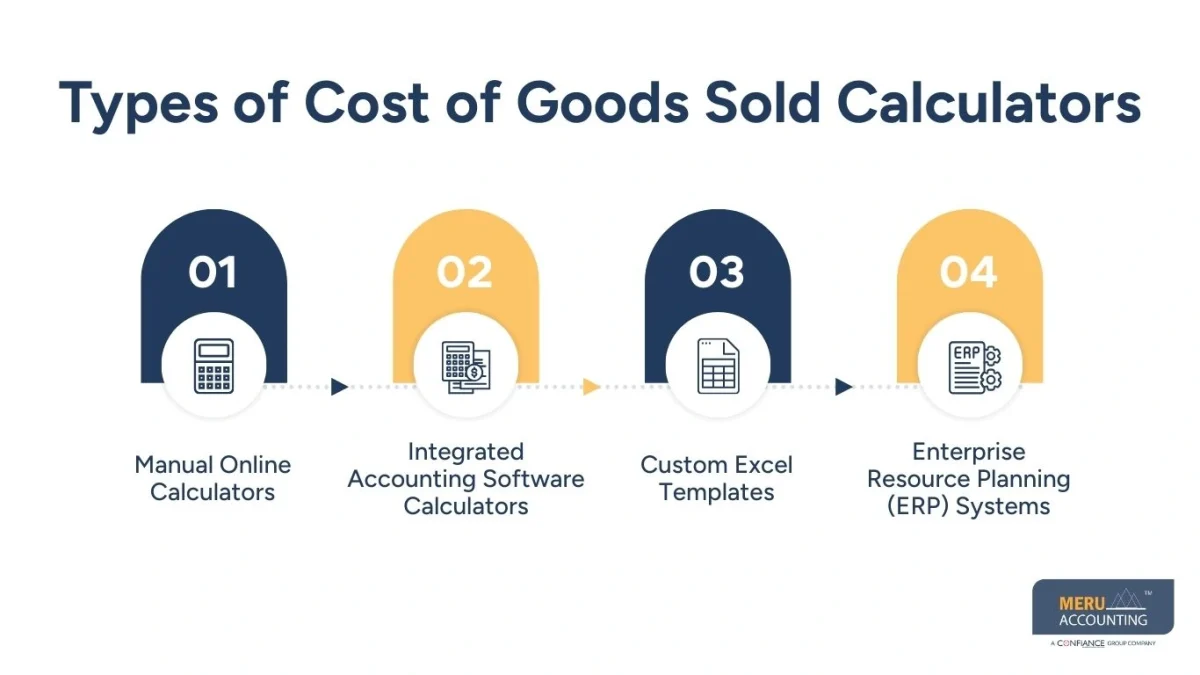
Custom Excel Templates
Some businesses develop tailored spreadsheets that use formulas to calculate COGS based on specific business models. While customizable, these require expertise in Excel.
Enterprise Resource Planning (ERP) Systems
Large businesses often leverage ERP software that handles comprehensive inventory management, cost tracking, and COGS calculations within a unified system.
Step-by-Step Guide to Using a Cost of Goods Sold Calculator
Below is a detailed process guide to effectively use a cost of goods sold calculator for maximum benefit:
Step 1: Gather Accurate Inventory Data
Collect data for beginning inventory, purchases during the period, and ending inventory. Ensure valuations reflect current market prices and accounting standards.
Step 2: Account for Direct Labor Costs
Calculate the wages and benefits paid to employees directly involved in producing goods.
Step 3: Calculate Manufacturing Overhead
Determine indirect production costs including utilities, depreciation, factory rent, and equipment maintenance.
Step 4: Enter Data into the Calculator
Carefully input all numerical details into the cost of goods sold calculator fields.
Step 5: Review and Verify Results
Examine the output result for consistency and reasonableness. Cross-check with manual calculations or previous financial reports if necessary.
Step 6: Utilize Results for Financial Decisions
Apply the accurate COGS figure in profit and loss statements, pricing decisions, budgeting, and tax filings.
Common Challenges in COGS Calculation and How Calculators Address Them
Calculating COGS manually presents several challenges that can be mitigated by using a cost of goods sold calculator:
Complex Inventory Tracking
Multiple inventory types, frequent purchases, and varying costs can complicate accurate tracking.
Solution: Calculators integrate inventory inputs and automate cost averaging or FIFO/LIFO methods.
Inconsistent Data Entry
Manual processes risk incorrect or incomplete data entry.
Solution: Standardized input fields with validation reduce errors and omissions.
Time Constraints
Accountants and business owners may have limited time for detailed COGS computations.
Solution: Automated calculations expedite processing, freeing resources for other tasks.
Difficulty Including Overheads
Allocating manufacturing overhead can be complex due to indirect cost distribution.
Solution: Calculators often include customizable overhead allocation features based on user input.
Best Practices When Using a Cost of Goods Sold Calculator
To maximize the effectiveness and accuracy of COGS calculators, businesses should follow these recommended practices:
- Keep Inventory Records Updated: Regularly update inventory counts and valuations to reflect real-time data.
- Standardize Data Entry: Use consistent units, valuation methods, and documentation for input data.
- Understand Your Cost Components: Distinguish between direct and indirect costs to allocate accurately.
- Regularly Reconcile Calculated COGS: Compare calculator outputs against accounting records and physical inventory checks.
- Utilize Software Integrations: Where possible, link calculators with accounting or inventory management systems for seamless data flow.
- Train Staff Properly: Educate relevant employees on how to use the calculator and interpret results.
Conclusion: Simplifying Business Financial Management with COGS Calculators
Calculating the cost of goods sold is a critical task for any product-based business. Without precise figures, profitability analysis, tax reporting, and pricing strategies suffer. A reliable cost of goods sold calculator transforms this complex and error-prone process into a straightforward and efficient workflow.
By adopting COGS calculators, businesses can expect improved accuracy, time savings, and deeper insights into their production costs. This enables better financial management and strategic planning aimed at optimizing profitability. Whether a small startup or a large manufacturing company, leveraging such calculators is an essential step towards smart, data-driven business operations.
FAQs
What is a cost of goods sold calculator?
A cost of goods sold calculator is a tool that helps businesses accurately determine the total cost of producing or purchasing the goods they sell.
How does a cost of goods sold calculator simplify the calculation process?
It automates the complex arithmetic involved, reduces errors, and provides instant results by inputting key variables such as inventory, purchases, and production costs.
Can a cost of goods sold calculator be used by any type of business?
Yes, businesses of all sizes and industries can use it to streamline their accounting and better understand their profit margins.
What key data inputs are needed for a cost of goods sold calculator?
Common inputs include beginning inventory, purchases during the period, ending inventory, and direct production costs.
How does using a cost of goods sold calculator impact financial reporting?
It ensures more accurate and consistent cost calculations, aiding in better financial statements and informed decision-making.


