


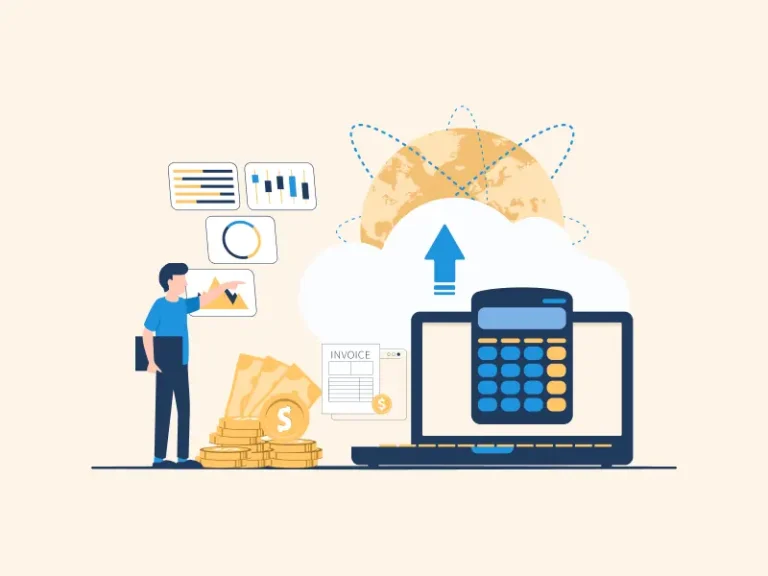
Modern firms use fast, smart tools to track money. Old ways slow things down, cause slips, and make work hard. Cloud accounting tools fix these issues for growing firms. They let owners check books in real time, cut down extra work, and keep all files in one safe spot.
Cloud tools give you full access, even if you’re not in the office. If you run a startup, freelance, or scale a firm, these tools help you save time and plan better. This guide will show how cloud tools work and how they help firms grow and lead.
What Is Cloud Bookkeeping Software?
Easy Access Anytime, Anywhere
You can log in from home, work, or on the go. Cloud tools let you check your books from any place with web access.
Real-Time Data Updates
Cloud tools update your records right away. You don’t need to wait for the day or week to end. You can track money in real time.
Safe and Secure Storage
Cloud tools store your data with strong locks. They back it up and keep it safe from theft or loss. This is safer than saving files on one device.
Easy Team Access
You can share data with your team in one click. Everyone sees the same file, which helps avoid mix-ups and saves time.
Key Features of Cloud Accounting Software
Cloud accounting software offers smart features for easier bookkeeping. Each tool is built to make business tasks simple and quick.
Auto Bank Feeds
It connects with your bank and imports all transactions automatically. This saves time and avoids errors from entering details by hand.
Smart Invoice Tools
You can send, manage, and track invoices easily. The system lets you know when a client opens the invoice or makes a payment.
Quick Expense Tracking
Upload bills and receipts using your phone or laptop. The tool will read the details and record them to the correct account.
Easy Payroll and Tax Filing
It allows you to manage employee pay and tax filing from the same dashboard. You don’t need separate software or extra steps.
Dashboard for Fast Insights
A clean dashboard shows your key numbers like profit, loss, income, and bills. It helps you see how your business is doing at a glance.
These features give more value and control to your daily work.
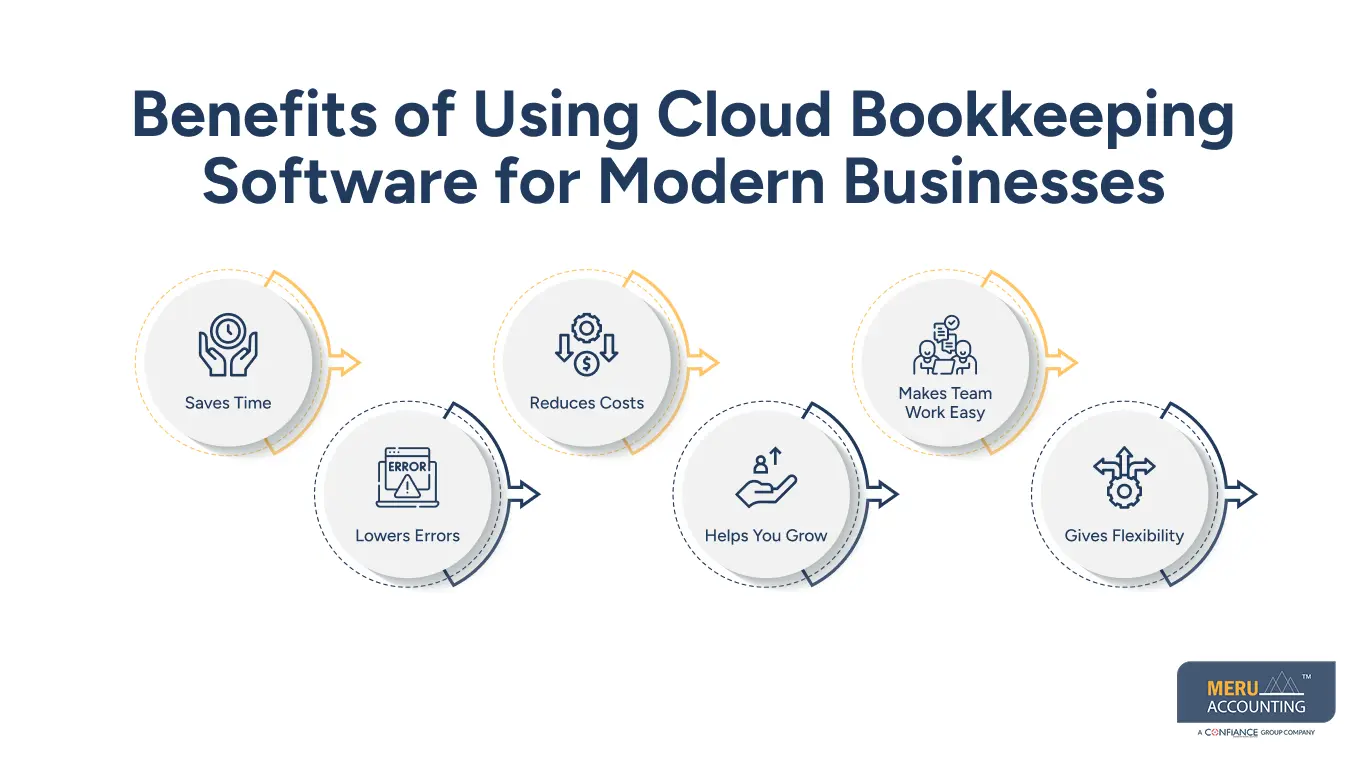
Benefits of Using Cloud Bookkeeping Software for Modern Businesses
Cloud tools give real value. These benefits help you work better and save more.
Saves Time
Cloud bookkeeping software reduces the time spent on data entry. It automates many tasks, which lets you focus on more important business activities.
Lowers Errors
It minimizes human mistakes by automating entries. Linked bank accounts and smart tools ensure correct information at every step.
Reduces Costs
It cuts down the need for paperwork, manual storage, and extra staff. You save on office space and reduce operational expenses.
Helps You Grow
Cloud software shows you where your business makes or loses money. You get reports that guide your growth strategies.
Makes Team Work Easy
Multiple users can access the software at the same time. Your accountant, bookkeeper, and staff can work together without delays.
Gives Flexibility
You can choose when, where, and how you want to manage your books. It works on desktops, laptops, tablets, and phones.
How Cloud Accounting Software Improves Financial Efficiency
Financial tasks become faster and more accurate with cloud systems. Businesses stay on top of cash and costs.
Faster Month-End Reports
- Cloud software creates month-end reports in minutes. It pulls data instantly from all entries and gives you a full view of your financial status.
Live Cash Flow Tracking
- It shows you daily changes in your bank balance and cash flow. This helps in smart spending and good money decisions.
Better Budget Control
- The software gives reports that compare spending against your set budget. It alerts you when you go over the limit.
Smart Alerts and Reminders
- You get reminders for due bills, tax dates, and unpaid invoices. This helps avoid late fees and keeps everything on track.
Clear Audit Trails
- Every entry and action is tracked with time and user ID. This helps during audits and increases transparency in your records.
Top Cloud Bookkeeping Software Options for Businesses
You have many options for cloud accounting. Each one suits different needs and budgets.
Xero
- A favorite for small and medium businesses. It offers clean design, strong features, and a user-friendly dashboard for easy use.
QuickBooks Online
- It supports all core accounting needs and offers add-ons. It is good for businesses looking for advanced features and detailed reports.
Zoho Books
- Best for budget-conscious users who need full features. Zoho Books also integrates with other Zoho apps and third-party tools.
FreshBooks
- Ideal for freelancers and service-based businesses. It has time tracking, project billing, and simple client communication tools.
Wave
- Great for small firms with tight budgets. It offers free tools with core bookkeeping features and easy-to-understand reports.
Choosing the right tool depends on your goals and daily needs.
Things to Consider Before Choosing Cloud Accounting Software
Pick the right cloud system by checking your business goals and current setup.
Check Your Business Size
- Small firms can use basic tools, while large firms need advanced options. Choose what fits your current and future needs.
Look at Your Budget
- Prices vary from free to premium. Pick a plan that fits your budget but still offers the features your business needs.
Match Local Tax Rules
- Some software is better for local use due to tax support. Choose one that follows your region’s laws and policies.
Review User Experience
- The software should be easy to learn and use. A clean layout and simple steps make a big difference in daily use.
Check Add-On Tools
- Choose software that integrates well with your CRM, inventory, or POS systems. This saves time and avoids data duplication.
Look for Help and Support
- Make sure the provider offers quick help via chat, phone, or email. Good support saves time and avoids big issues later.
At Meru Accounting, we help move your data from old systems to new cloud platforms. Our team ensures nothing is lost or left behind. Our staff are trained in all major cloud tools. We don’t sell one-size-fits-all plans. We tailor our services to fit your size, industry, and budget needs. From invoice to payroll to tax filing, we handle everything. Our full-service support means you can focus on growing your business.


