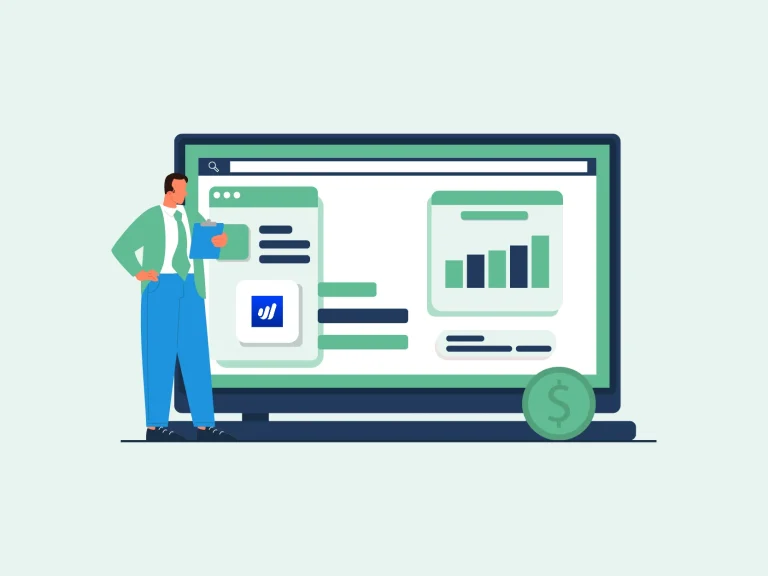
Good financial records help every small business grow. When you know how much you earn, what you spend, and what you still owe, it is much easier to plan ahead. It also helps you pay bills on time, file taxes, and make smart business moves. That is why many small business owners use software to help with day-to-day financial tasks. WaveApps accounting is a good fit for many small businesses because it is easy to use and does not take long to learn. It helps you make bills, track costs, watch cash flow, and see key reports in one place. This saves time and helps keep your books in good shape.
Good software is only part of the job. Strong WaveApps bookkeeping helps make sure each sale, bill, and cost is saved the right way. When your books stay up to date, you can trust your reports and use them to guide your next step.
In this blog, you will learn how WaveApps accounting helps small businesses keep good books, stay on top of cash flow, and make day-to-day financial tasks much easier.
What You Will Learn From This Blog
In this blog, you will learn:
- What WaveApps accounting is and why small businesses use it.
- How WaveApps helps keep financial records in good shape.
- How WaveApps bookkeeping keeps your books neat and up to date.
- The top benefits of using WaveApps accounting for your business.
- Easy tips to help you get the best use from WaveApps.
Why Small Businesses Choose WaveApps Accounting
Small business owners wear many hats. They may sell, help clients, pay bills, and maintain records all in one day. They need a tool that saves time and makes work easy. That is why many owners choose WaveApps accounting.
Easy to Learn
WaveApps has a clean look and simple menu. New users can learn the main tools in a short time. Most jobs take only a few clicks. This helps owners spend less time learning the software and more time running their business.
Helps Save Money
Many small firms want to keep costs low. WaveApps gives key tools that help owners run their books without paying for more than they need. It is a good choice for businesses that want to manage finances while staying within budget.
Fast Billing
You can make clean bills with your logo, send them by email, and track paid and unpaid bills from one screen. Quick billing also helps speed up customer payments and improve cash flow.
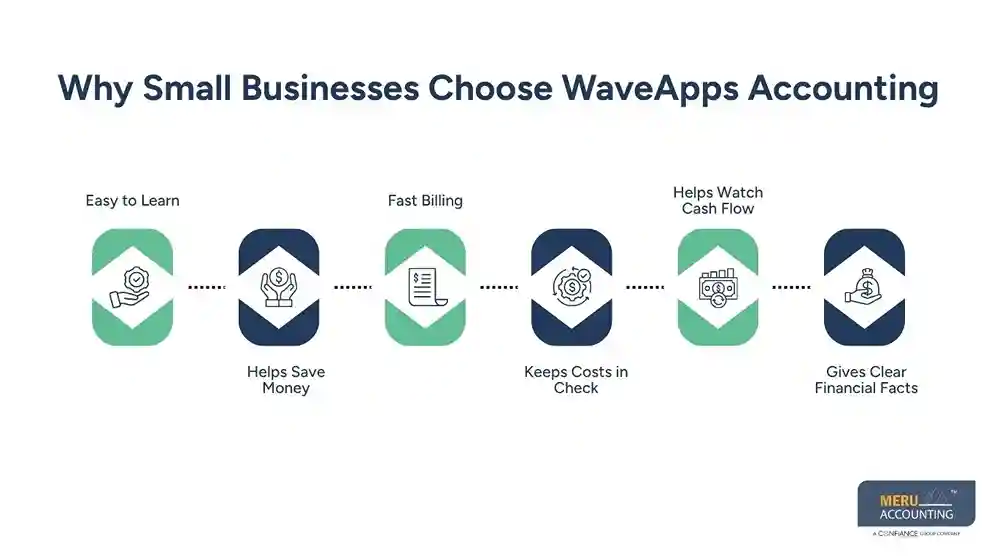
Keeps Costs in Check
WaveApps accounting lets you track each cost as it comes in. This helps you see where your cash goes and where you may cut waste. Better cost tracking also makes it easier to build a realistic budget.
Helps Watch Cash Flow
Cash flow is key for every small business. WaveApps accounting helps you see what money came in, what went out, and what you still need to get paid. This makes it easier to plan for upcoming bills and avoid cash shortages.
Gives Clear Financial Facts
When your books stay up to date, you can see how your business is doing. This helps you make smart plans with less guesswork. Clear financial data also helps you spot trends before they become bigger issues.
Key Features of WaveApps Accounting
The tools in WaveApps accounting help make daily work much easier.
Track Sales and Costs
You can add all sales and costs in one place. This keeps your books neat and makes tax time less hard. It also helps you find income and costs quickly when you need them.
Make Bills
WaveApps lets you make clean bills, send them fast, and keep track of who has paid. This helps you stay on top of customer payments and reduce late invoices.
Link Your Bank
You can link your bank so many bank items move into WaveApps on their own. This cuts down on hand work. It also helps keep your financial records more complete and up to date.
Save Receipts
Keep all your sales slips and cost slips in one place. This helps when you need to look back or file taxes. Having all receipts together also makes financial reviews much easier.
View Financial Reports
WaveApps accounting gives you reports like:
- Profit and Loss
- Cash Flow
- Balance Sheet
- Sales Report
- Cost Report
These help you see how your business is doing at any time. You can use these reports to make better business and spending decisions.
Keep Client Data
Store client and vendor data in one spot. This helps you find past bills and track who owes you money. Well-kept records also improve day-to-day business management.
Get Tax Time Ready
Good books all year long make tax time much less hard. You spend less time looking for files and more time on your work. This also helps reduce stress when it is time to prepare tax records.
Benefits of Using WaveApps Accounting for Small Businesses
There are many good reasons to use WaveApps accounting each day.
Saves Time: Many jobs that once took hours can now take just a few minutes. This gives you more time to help your clients and grow your firm.
Cuts Down on Mistakes: When your books stay in one place, it is much less likely that you will miss a sale or cost.
Helps You Plan: Good reports help you see where your cash goes. This helps you set goals and plan for slow or busy times.
Better Cash Flow: When you know who has paid and who still owes you, it is much easier to plan your next move.
Makes Reports Easy: You do not need to build long sheets by hand. WaveApps gives you key reports with only a few clicks.
Makes Tax Work Easier: When your books stay up to date all year, tax time is much less hard. You have what you need when it is time to file.
Helps Your Business Grow: As your work grows, your books grow too. WaveApps accounting helps you stay on top of your finance as your firm gets bigger.
Common Guide to Using WaveApps Accounting
WaveApps is an easy online accounting software that delivers innovative financial services and software for small- and micro-businesses. It changes the way millions of businesses make, spend, and track their money around the globe.
How to send invoices?
There are two ways to send invoices using WaveApps accounting.
- One can send the invoice from logging into Wave account-Going to ‘Sales’ and then ‘Invoices’. From ‘Invoices,’ open the drop down list and choose the invoice to be sent and click on ‘Send an invoice.’
- The second way is from the ‘Invoices’ page. Open the page and select an invoice to be sent from the list view.
- After selecting invoices from both methods, a pop-up window to send the invoice would open. Here, the user has to enter the email ID and the message to be delivered.
There are also options of sending the invoices as PDF and to BCC the invoice to the user’s own email ID.
How to track Receivables?
- When an invoice is created by using WaveApps accounting, the Accounts Receivable is debited and can be seen in the balance sheet.
- Once the payment is made on that invoice, Accounts Receivable is credited, and the bank account is debited.
In short, one can track the Receivables by checking the balance sheet and the bank statement. Once the payment is received, the amount of receivables decreases.
How to set payment reminders?
WaveApps accounting also facilitates the reminders of payments, which helps in saving time and performing business tasks easily.
- For setting a payment reminder, the user has to go to the ‘Invoice’ page. After sending an invoice, there is the option of creating a reminder.
- In order to set a Reminder, the customers need to have email access.
- There are 8 possible ways to set up a reminder, before the due date, on the due date, or after the due date; users can even set another reminder as well after setting up the first one.
- When the customers pay the user, the user can mark the invoice as ‘Paid.’
How to send statements?
Sending statements to customers helps in getting payment faster, as they can scrutinize all the invoices in one go and can see the due invoices.
- For sending a statement, the user has to go to the ‘Sales’ from the menu, where the option of ‘Statement’ would be visible
- The user has to choose the name of the customer to whom the statement has to be sent.
- There are two types of statements. The first one is older statements which can be seen as ‘History’ and the other one is ‘Unpaid’. Choose one and send it to the customer.
How to get paid via Credit Card?
Getting paid through a customer’s credit card is a very easy and rapid task, which takes like few minutes and the payment process completes in only two business days.
- For getting paid via credit card, the user has to turn on the ‘Payments’ and to set up ‘Payment Accounts.’
- To turn the ‘Payments’ on, the user needs to turn on the ‘Payment’ option when the invoice is being sent.
- For setting up a ‘Payment Account,’ the user has to go to the ‘Payment’ page and choose ‘Complete your Payment Setup’.
- There the user has to submit the details regarding business, legal name, personal information, etc.
- After which, verification of Identity and Address is to be done by clicking the picture of the relevant proofs. And voila! Everything is done by the side of the user, and now it’s on Wave to take care of your transactions and payments.
How Meru Accounting Helps Small Businesses with WaveApps
While WaveApps accounting is easy to use, many small business owners still want help with their books. That is where Meru Accounting can help.
Our team helps small businesses keep clean books and make the best use of WaveApps.
Our WaveApps accounting services include:
- WaveApps setup
- Daily bookkeeping
- Month-end bookkeeping
- Bank reconciliation
- Bill and pay tracking
- Payroll help
- Financial reports
- Tax-ready books
- Ongoing help and support
Our team uses good WaveApps bookkeeping methods to help keep your books neat, up to date, and ready when you need them.
With Meru Accounting by your side, you can spend less time on bookkeeping and more time on your business. WaveApps gives its users everything that is required to use the software hassle-free and promptly. To know more, contact Meru Accounting today!
Our Expert Insight
The best accounting tool is one that you use the right way. WaveApps accounting gives small businesses easy tools to track sales, costs, bills, and cash flow. Still, the best reports come from good bookkeeping.
When you keep your books up to date, check your bank each month, and look at your reports often, you get a clear view of your business. This helps you make smart choices and plan for steady growth.
Key Takeaways
- WaveApps accounting helps small businesses keep good financial records.
- The software makes bills, cost tracking, and reports easy.
- Good WaveApps bookkeeping keeps your books right and up to date.
- Clear reports help you plan and grow with less risk.
- Good books make tax time much less hard.
- Cash flow is easier to track with up-to-date records.
FAQs
WaveApps accounting is software that helps small businesses track sales, costs, bills, and financial reports in one place.
Yes. It is easy to use, helps save time, and gives many of the tools small businesses need each day.
WaveApps bookkeeping helps keep your books right, makes tax work easier, and gives you reports you can trust.
Yes. It helps you track money that comes in, money that goes out, and bills that are still due.
Yes. Meru Accounting helps with WaveApps setup, bookkeeping, bank match work, reports, tax-ready books, and day-to-day accounting support.
optional anymore
on running the business