Picking the right tool for your books helps your firm grow with ease. This Xero vs QuickBooks comparison explains how each tool works and highlights their key differences. Both are top choices for small and mid-sized firms. They offer tools for bills, cash flow, and tax reports. Still, many owners ask which one to choose for their outsourced accounting needs.
In this Xero vs QuickBooks comparison blog, we will cover features, what fits your work style, and many other helpful criteria that meet your outsourced accounting needs. One may suit small shops, while the other works better for service-based firms. Let’s check the key parts like cost, ease of use, add-ons, and growth options. By the end, you’ll know what tool fits your firm.
What You Will Learn From This Blog
- Understand the key differences between Xero vs QuickBooks, including features, pricing, and usability.
- Learn which accounting software is best suited for startups, freelancers, retail businesses, service firms, and growing companies.
- Discover how integrations, scalability, security, and reporting capabilities affect your outsourced accounting experience.
- Find out how choosing the right accounting software can improve financial management and support long-term business growth.
An Overview of Xero vs QuickBooks
Both Xero and QuickBooks are trusted cloud-based tools. They offer plans for small firms and growing companies. Yet, they are not the same in how they work or feel.
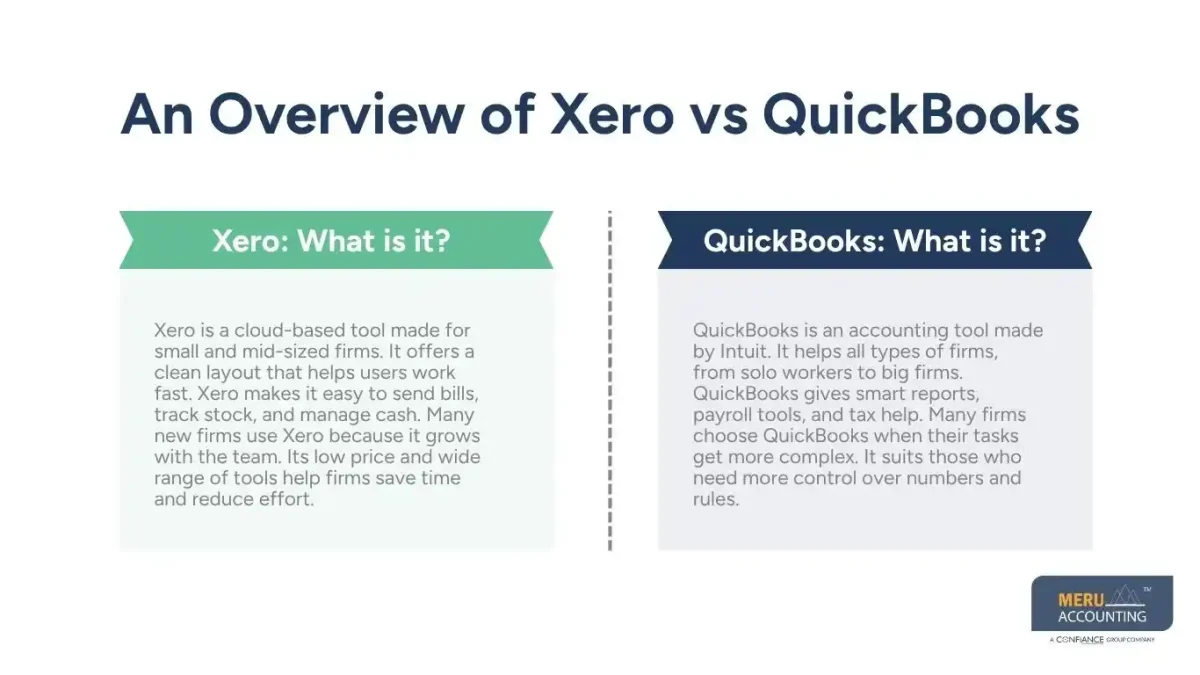
Xero: What is it?
Xero is a cloud-based tool made for small and mid-sized firms. It offers a clean layout that helps users work fast. Xero makes it easy to send bills, track stock, and manage cash. Many new firms use Xero because it grows with the team. Its low price and wide range of tools help firms save time and reduce effort.
QuickBooks: What is it?
- QuickBooks is an accounting tool made by Intuit. It helps all types of firms, from solo workers to big firms. QuickBooks gives smart reports, payroll tools, and tax help. Many firms choose QuickBooks when their tasks get more complex. It suits those who need more control over numbers and rules.
Key Features: Xero vs QuickBooks
Here’s a quick feature comparison of Xero vs QuickBooks:
Usability and User Interface
- Xero: Xero is praised for having an easy-to-use interface. Its interface makes it simple for non-accountants to navigate and gives a comprehensive picture of your company’s financial health.
- QuickBooks: Although QuickBooks likewise has an intuitive user interface, novices may find its wealth of capabilities intimidating. Experienced accountants, however, value its extensive customization possibilities.
Cost
- Xero: Three price tiers are available for Xero, including Starter, Standard, and Premium. One major benefit of expanding teams is that it offers unlimited users across all tiers.
- QuickBooks: QuickBooks offers both large businesses and independent contractors a variety of price alternatives. However, for companies that require many accounts, user limits on lower-tier plans may result in higher expenditures.
Processing Payments and Invoices
- Xero: Professional customization, recurring invoices, and online payment connections are all made possible by Xero’s invoicing tool.
- QuickBooks: QuickBooks is perfect for companies with complicated receivables because it offers sophisticated payment tracking in addition to personalized invoicing.
Management of Inventory
- Xero: With its integrated inventory management, Xero enables companies to effectively manage stock levels. It might not be enough, though, for extensive inventory management.
- QuickBooks: QuickBooks is appropriate for companies with high inventory requirements since it provides comprehensive inventory tracking and reporting.
Analytics and Reporting
- Xero: Xero offers fundamental financial reporting, including balance sheets and profit & loss statements. Although its reporting features are easy to use, they might not have the depth needed for intricate financial analysis.
- QuickBooks: QuickBooks’ comprehensive reporting features, which include sophisticated forecasting and budgeting tools, make it stand out.
Security Features
- Xero: Xero uses encryption and multi-factor login. Regular backups and updates for data safety.
- QuickBooks: QuickBooks advanced security, including role-based user access and consistent updates.
This Xero vs QuickBooks comparison shows that both tools offer valuable insights. The right choice depends on which one best aligns with your business goals.
optional anymore
on running the business
Xero vs QuickBooks: Integration and Scalability
Both tools work in the cloud. Users can check data from any place at any time with a good internet connection. Here’s a quick Xero vs QuickBooks comparison on integration and scalability:
Integration Proficiencies
- Xero easily connects with more than 1,000 third-party applications, such as CRM platforms, project management software, and payment gateways. It is therefore quite flexible to meet different business requirements.
- QuickBooks has a modest advantage over native Intuit programs like TurboTax and Mint, but it also allows a large number of integrations.
Scalability
- Xero works well for small and mid-size firms. Its price and easy use make it a smart pick for startups. Teams can grow without changing tools.
- QuickBooks fits large firms that need more control. It gives payroll tools, deep reports, and options for industry-based tasks. This makes it good for firms with more complex needs.
Cloud Functionality and Mobility
Because both Xero and QuickBooks are cloud-based, users may access their financial information from any location at any time.
- Xero has a top-rated app. It supports bank checks, bill tracking, and easy invoicing. Many users like its smooth layout.
- QuickBooks also has a mobile app. While it gives fewer tools than its desktop version, it still helps users get key tasks done on the go.
Customer Support: Xero vs QuickBooks
- Xero offers email help all day and night. It also features a helpful guide with clear, step-by-step instructions. But it does not offer phone calls for help.
- QuickBooks gives users more ways to get support. You can get help through phone, live chat, or email. This helps when you need fast answers.
Features of Security
Data security is a top priority for both Xero and QuickBooks, which use multi-factor authentication and sophisticated encryption to safeguard private data.
- Xero: Automatic backups and frequent upgrades guarantee that your data is always safe.
- QuickBooks: Known for its long history, QuickBooks also makes significant investments in security features, such as role-based user access.
For growing businesses, choosing between Xero vs QuickBooks depends on how well each tool integrates with existing software, especially for those planning to scale.
Ideal Use Cases: Which Business Type Should Use What?
Not all firms need the same thing. Your best choice may depend on your field, team size, and budget.
Small Startups
For small teams, cost matters. Xero gives simple tools at a fair price. It is good for firms that want clear tools and basic features.
Retail Stores
QuickBooks works well for shops that need strong stock and sales reports. Its built-in sales tools make it a great choice for retail stores.
Freelancers and Solo Owners
Xero’s layout and cost make it ideal for solo users. The mobile app helps track bills on the go. QuickBooks also works, but some plans may be too much for small jobs.
Service-Based Firms
QuickBooks shines with service firms. Its time-track and billable hours tools are rich in detail.
Firms with Global Clients
Xero’s strong multi-currency and global tax rules make it a smart pick. It gives peace of mind when dealing with overseas clients.
This Xero vs QuickBooks comparison shows that both tools offer real value. Xero wins in global use, app links, and clean design. QuickBooks shines in payroll, deep reports, and strong retail tools.
At Meru Accounting, we work with both tools every day. We know how to set them up the right way to save time and costs. We look at your needs and pick the plan and tool that works for you. We help you use your software better. You save time on tasks and focus more on growing your business.
Our Expert Insight
Choosing between Xero vs QuickBooks is not about selecting the most popular software—it is about finding the platform that matches your business goals, workflow, and future growth plans. Xero is an excellent choice for businesses seeking simplicity, global capabilities, and unlimited users, while QuickBooks is better suited for companies that need advanced reporting, payroll, and inventory management. At Meru Accounting, we help businesses evaluate their accounting needs, implement the right software, and maximize their value through expert outsourced accounting services.
Key Takeaways
- Xero vs QuickBooks comparison shows both powerful cloud accounting solutions with different strengths.
- Xero is ideal for startups, small businesses, freelancers, and companies with global operations.
- QuickBooks is better suited for businesses that require advanced reporting, payroll, and inventory features.
- Compare pricing, integrations, scalability, and ease of use before making your decision.
- The right accounting software, combined with expert outsourced accounting support, can improve efficiency, reduce manual work, and support long-term business growth.
FAQs
Both tools help small firms. Your pick depends on what you need. If you want simple tools and global features, go with Xero. For payroll and deep reports, QuickBooks is a smart pick. Try both before you choose.
Yes, in most cases. Xero offers more tools in its low-cost plans. QuickBooks gives more only in higher plans. Still, check what you need before you pick.
Yes, you can. Moving from QuickBooks to Xero is easy with expert help.
In the Xero vs QuickBooks comparison, Xero stands out for global users because it supports many currencies, works well with GST, and offers better tools for firms working across borders.
Yes. Both tools connect with many third-party apps. Xero links with over 1,000 apps. QuickBooks links with many, as well, but Xero has more in some plans.
optional anymore
on running the business